 ConSprint Help
Your account
Everything about your account is under Settings: your profile, security, how ConSprint looks, and notifications.
Profile
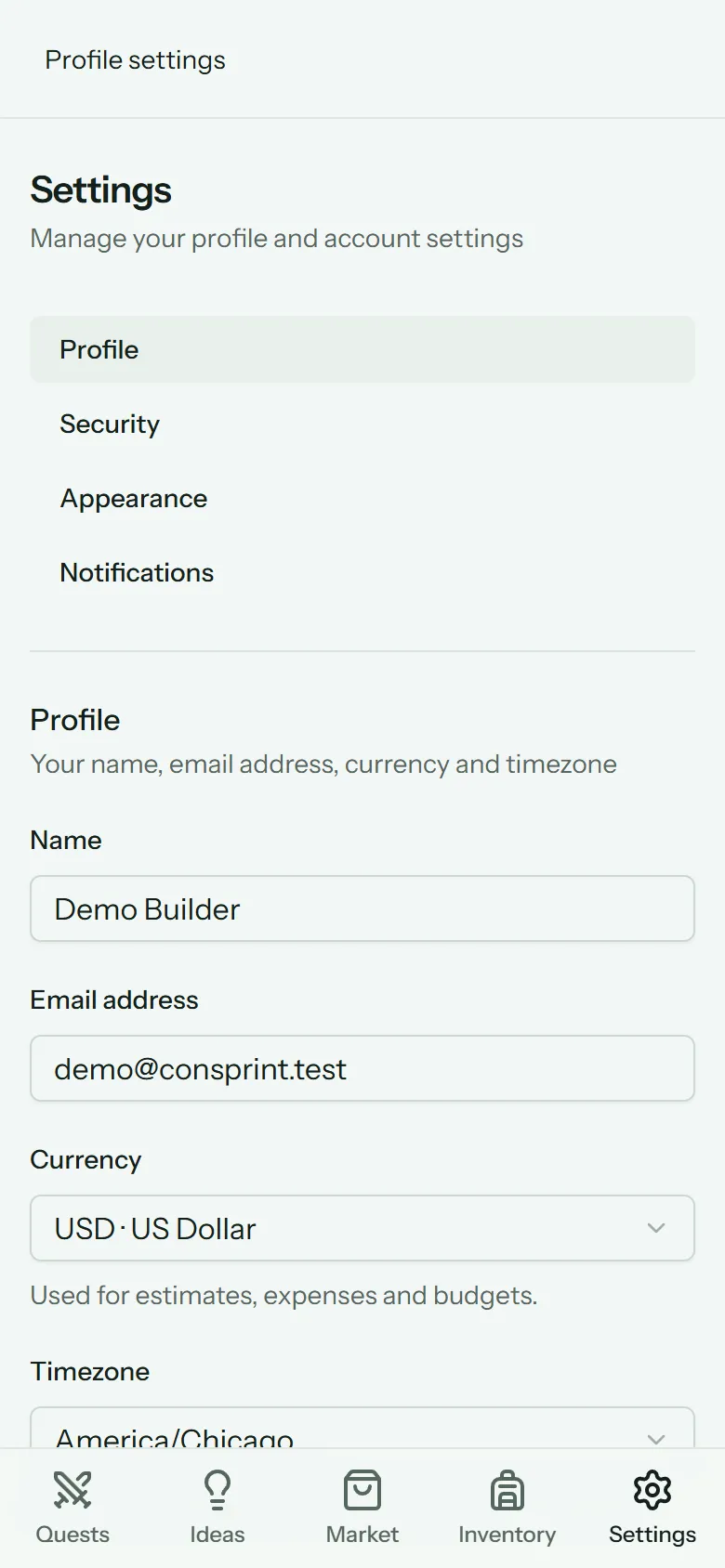
- Name and Email address: change your email and we'll ask you to verify the new one.
- Currency: used for every estimate, expense and budget. Pick yours before you start entering costs. ConSprint shows amounts with your currency's symbol and decimal places (none for yen, for example).
- Timezone: due dates, "today" and reminders follow it. It's set from your browser when you sign up.
Further down the same page:
- Download your data and your photo storage use. See Your data.
- Show tips again brings back the tips you've closed.
- Delete account. See Your data.
Security
ConSprint asks for your password again before showing this page.
- Password: change it any time.
- Passkeys: sign in with your fingerprint, face or phone lock instead of a password. Add one per device you use.
- Two-factor authentication: an extra code from an authenticator app when you log in, with recovery codes in case you lose your phone.
Forgot your password? Use Forgot your password? on the log-in page and we'll email you a link to set a new one.
Appearance
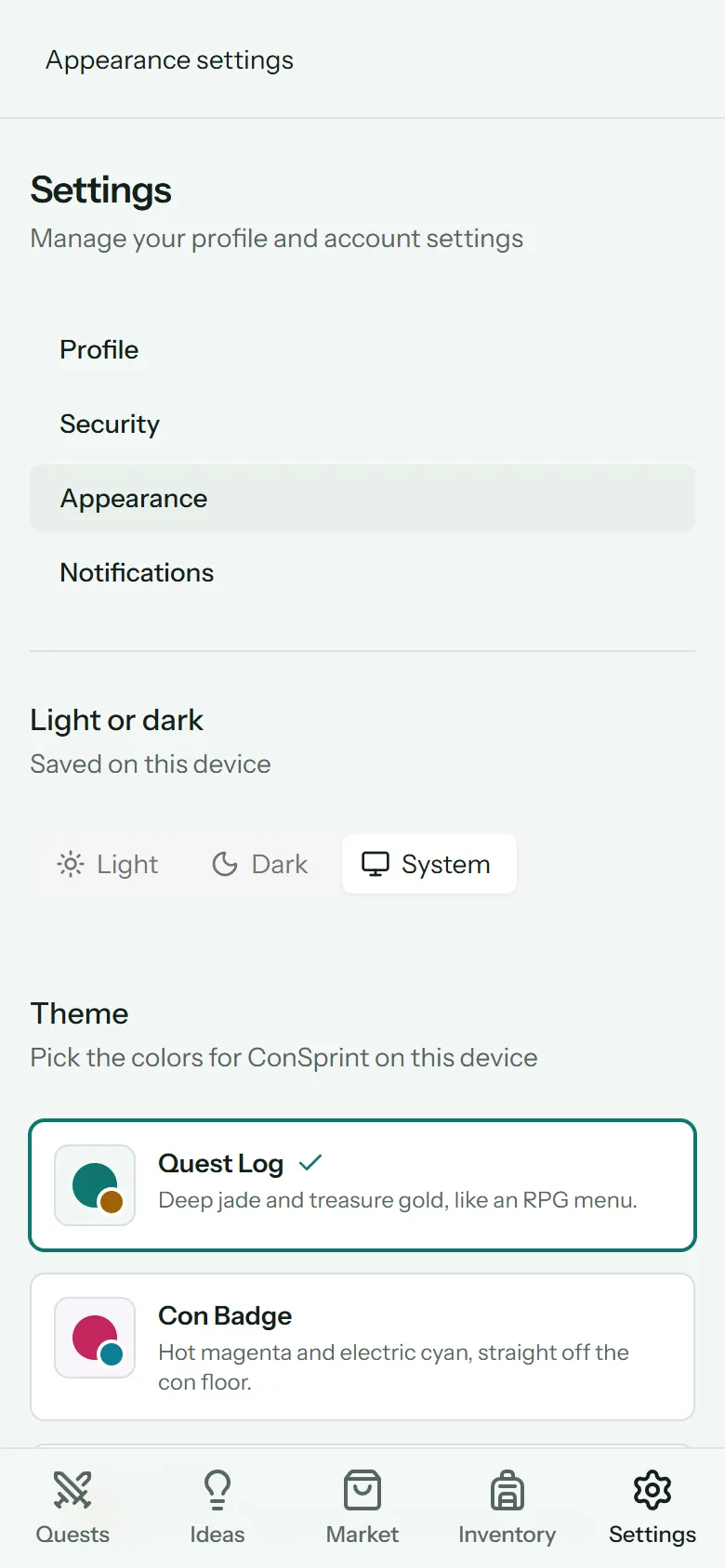
- Light or dark: Light, Dark, or System to follow your device.
- Theme: pick ConSprint's colors: Quest Log (jade and gold), Con Badge (magenta and cyan) or Forge (ember orange).
Both are saved on the device you're using, so your phone and computer can look different.
Notifications
Turn on reminders for the device you're using. See Reminders.
Log out
Log out is at the bottom of every settings page.